
Practical Microsoft 365 Copilot training

Copilot Launchpad: Proven AI Adoption Programme

Show your team where Copilot can help, how to ask better questions and how to unlock value in Outlook, Teams, Word and Excel.
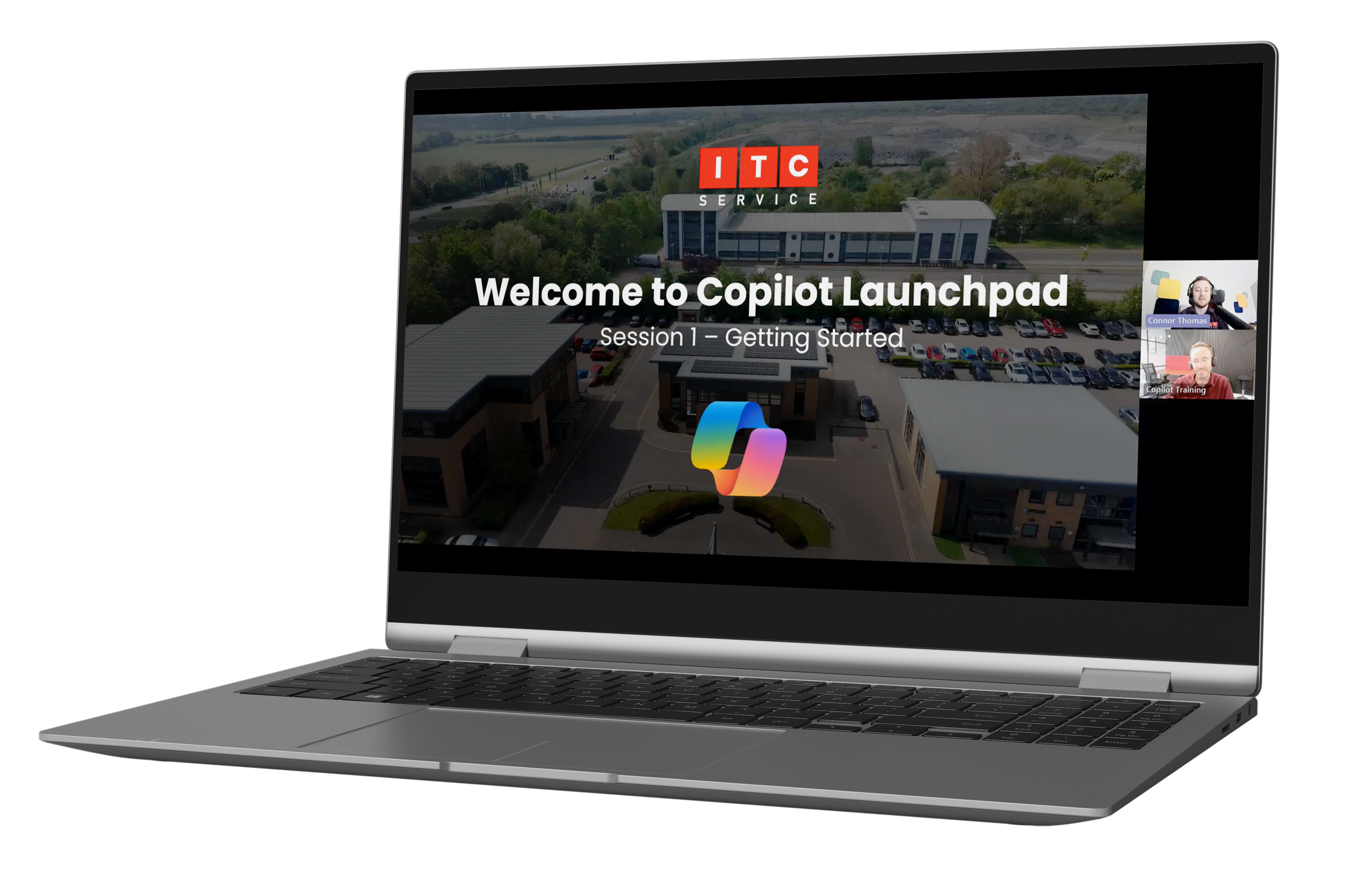
  • Built to save at least 30 minutes per person, per day
  • Built around tools your team already use
  • Delivered by a Microsoft Modern Work Partner
Microsoft 365 Copilot Launchpad training programme
Programmes from £1,500
Microsoft Modern Work PartnerLive, practical trainingBuilt around tools your team already use
Online or in person

Why Launchpad

A Copilot licence does not come with a user manual.

Launchpad is built to help each person save at least 30 minutes a day. When you look at that across a whole team and a full working year, that time soon adds up. The challenge is helping people find those savings in the work they already do.

Launchpad gives your team practical guidance using Outlook, Teams, Word and Excel. We use examples that fit the way your organisation works, so people can put what they learn into practice straight away. Everyone taking part will need a Microsoft 365 Copilot licence.

What your team will gain

What your team will be able to do

The aim is simple: help people use Copilot confidently, efficiently and in ways that save them time.

Use Copilot confidently

Know how to find Copilot use it in the Microsoft 365 apps you already work with.

Write better prompts

Give Copilot useful context, ask clearer questions and get more helpful answers.

Save 30+ minutes a day

Use Copilot to spend less time on emails, meetings, documents and everyday analysis.

Share good habits

Give your team a consistent way to use Copilot, with a shared understanding.

Work faster and smarter

Discover smarter ways to collaborate, create and communicate.

Know what to do next

Leave with practical ideas and a clear Copilot roadmap for your business.

Choose your training format

Choose the format that works for your team

Join remotely through Microsoft Teams, or bring us into the room for more hands-on support.
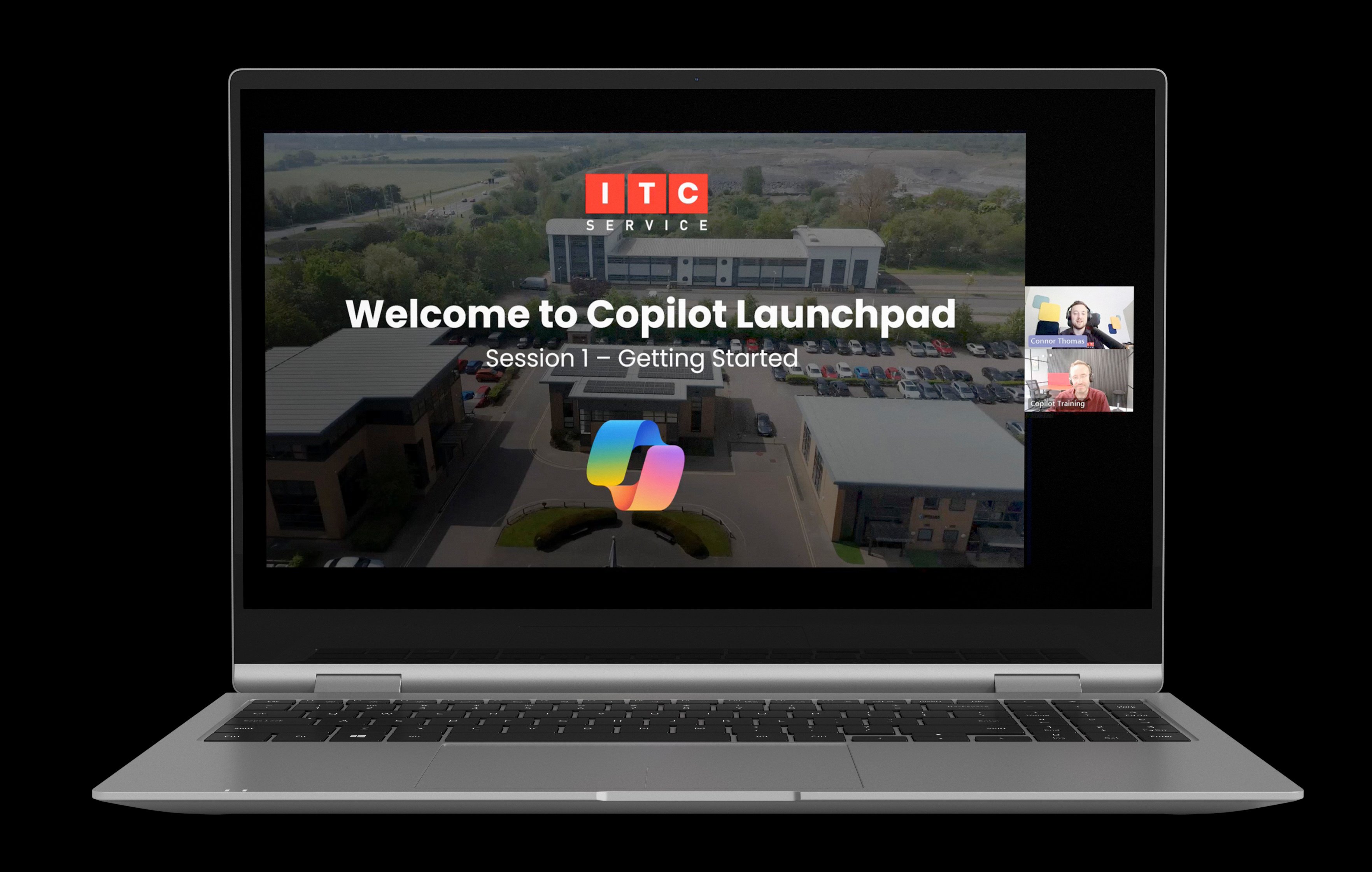
The goal: help each person save at least 30 minutes a day.

Before you book: everyone taking part will need a Microsoft 365 Copilot licence.

Copilot Mockup 2

Live online delivery

Copilot Launchpad

£1,500 per programme

Six live sessions over Microsoft Teams. Your team can join from wherever they work and put each topic into practice between sessions.

Works well for hybrid or remote teams and people across different departments

  • Six live Microsoft Teams sessions
  • Training tailored to your business and users
  • Practical demonstrations across Outlook, Teams, Word and Excel
  • Prompting guidance and real-world use cases
  • Session recordings, transcripts and recaps
  • Security, permissions and responsible AI guidance
Buy Copilot Launchpad

Would you rather speak to someone? Request a callback

What we'll cover

Practical Copilot skills for day-to-day work

The online programme covers these topics over six sessions. The in-person format covers the same ground over two longer sessions.

Getting started with Microsoft 365 Copilot

What Copilot is, where to find it and how it works with your Microsoft 365 environment.

Search and prompt skills

How to ask clearer questions, add useful context and improve the answers you get.

Copilot in Outlook and Teams

Help with emails, long conversations, meeting catch-ups and follow-up actions.

Copilot in Word

Create, improve and summarise documents without starting from a blank page.

Copilot in Excel

Explore information, spot patterns and uncover business insights more quickly and confidently.

Putting it into practice

Bring the learning together, discuss your own use cases and agree useful next steps.

Why ITC Service

Straightforward Copilot training from people who know Microsoft 365

We are a Microsoft Modern Work Partner, but we will not bury you in Microsoft terminology. We explain Copilot in plain English and show your team how it fits into their work.

Before the training starts, we'll learn about your organisation and the jobs your team wants help with. That keeps the sessions useful and gives people examples they can try for themselves.

2-3

At least 30 minutes per person, per day

What could that time be worth to your organisation?

Start with 30 minutes per person, then add your team size and salaries to estimate the time and potential value saved over a year.

User types

User types

1 user type
See long term value through increased adoption

Adoption projection

Exponential use chart

24-month view

Questions

A few things people usually ask

If your question is not covered, fill in the form and we'll come back to you.

Copilot Launchpad is practical Microsoft 365 Copilot training built around your organisation. The online option runs over six sessions. The in-person option covers the same topics over two longer sessions.

Not sure which option to choose?

Tell us what your team needs

Fill in the form and we'll talk through your team, your Copilot setup and what you want people to get from the training. If one of the options is a good fit, we'll explain what happens next.

If you already know which option you want, use the payment link above instead. We'll be in touch to arrange the dates.